Using Custom Temperature Alerts To Ensure Safe Delivery
May 4, 2017
September 21, 2026
x min read
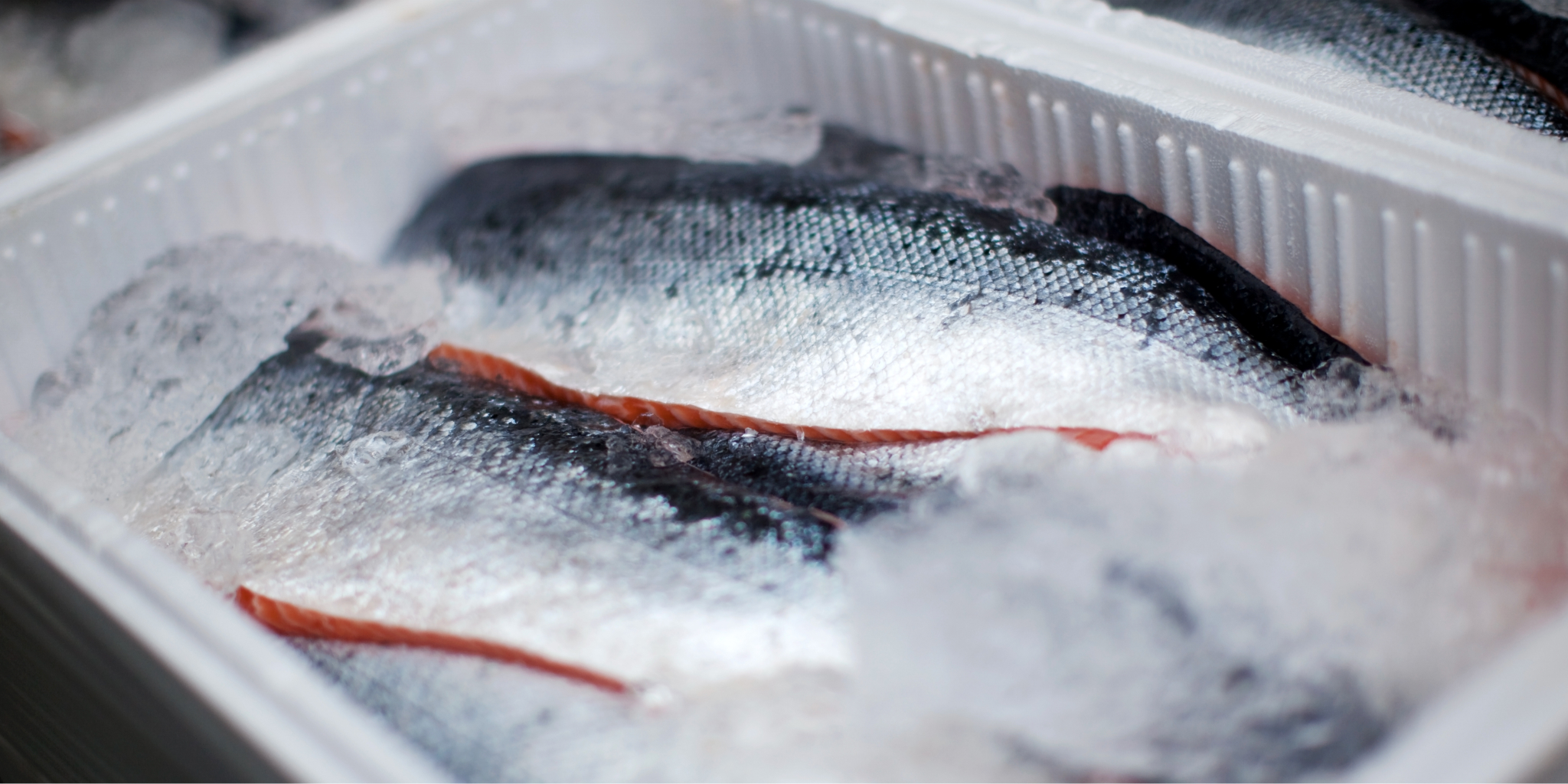
One of the most-used features of the Tive shipment tracking solution is the ability to set configurable alerts. In this post we'll talk about setting temperature alerts, which play a critical role in cold chain visibility and monitoring for our customers. Many products like drugs and food must stay within a strict temperature band. Tive allows users to set upper and lower thresholds for temperature as well as other climate metrics. If the tracker senses a temperature outside of the defined range, an alert notification is triggered. Based on notification preferences, Tive makes sure that the right people are notified with an in-app notification, text message, and/or email. This is a core capability of Tive's cold chain monitoring software.
Taking advantage of the Tive alert functionality is quite easy:
- Select the device you want an alert from.
- Click on “Alert” from the tracker menu
- Click on “Configure” from the Alerts menu
- Click on Max or Min temperature
- Enter the desired temperature limits
- Enter the email or phone number you want to be alerted at
- Click “Create”
In upcoming blog posts we will talk about new alerts we will be rolling out. Stay tuned! In the meantime, read our guide to critical temperature monitoring for cold chain shipments.